I was in front of my recently upgraded PC at the office when my hitherto reliable Filemaker Pro 12 suddenly died. No warning of any kind, it just decided to stop working and abruptly closed while I was editing a record. I knew something was up because this behavior simply didn’t happen during the more than ten years that I have been working with it.
Repeated attempts to open the software were met with the same result: it simply won’t run.
I quick Internet search revealed the unexpected reason: Filemaker Pro 12 is incompatible with Windows 11. In fact, Filemaker Pro 12 is considered so “ancient” it was not even officially supported on Windows 10, which I didn’t know because I had been running perfectly fine.
How we got here
More than a decade ago, I started working at our small office and quickly realized that we needed a database to manage our growing data, which had been handled entirely with Microsoft Excel. So I turned to Filemaker Pro, an originally Apple software that I had been familiar with ever since I got my first Macintosh in the early 1990s.
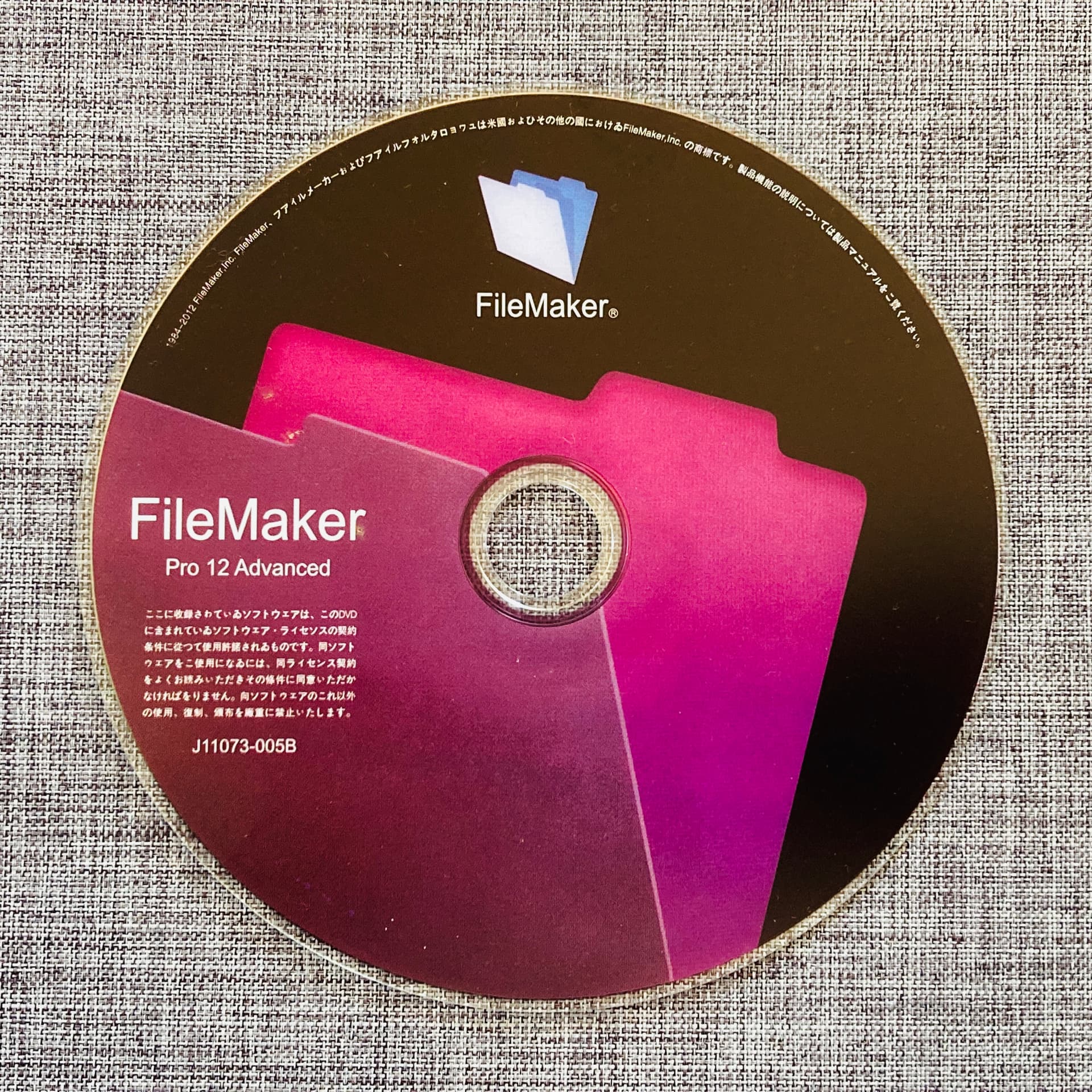
So I got hold of a Filemaker Pro 12 CD-ROM off Yahoo Auctions for cheap (even at that time it was already old; the current version was already 13/14). I liked it so much that a couple of months later I bought another to install on another PC in the office so my coworker and I could work on the same database over our local network.

Our PCs were running Windows 7 at the time and a few of years later when we moved to Windows 10, Filemaker continued to run without a hitch, although it was already unsupported software. It even continued to run without problems when we finally upgraded to Windows 11 just recently.
Filemaker Pro finally dies
Apparently, the event that triggered this mini-crisis was when I reset my Windows 11-upgraded PC last week, which wiped out the hard disk (and the Filemaker program installed on the original Windows 10) and installed a fresh copy of Microsoft’s newest OS.
As others have mentioned elsewhere, if you installed Filemaker Pro on Windows 10 then upgraded to Windows 11, it would probably continue to run. But if you installed it on a fresh copy of Windows 11, it would most likely not function at all. Funny, I was able to use it for a couple of days until it decided to die on me.
Temporary remedy
As an emergency procedure, I reinstalled Filemaker on an old Windows 10 PC in the office and had the other Filemaker-equipped PC (running an upgraded Windows 11) access it through our LAN. The Windows 10 PC is supported until October 2026, so I now have a year to figure out how to get a permanent solution.
Long-term solution
I also learned that the oldest version that would work (though unsupported) with Windows 11 is version 19, which I would probably consider buying if it’s available (it’s not). I checked the Claris site for the latest version and it costs 73,000 yen. Nope.
My original purchase of two Filemaker Pro 12 licenses was worth it considering the length of time we were able to use the programs, but I don’t think it’s reasonable for me to fork out 73,000 yen for the latest software whose features (things like AI Script Steps, WebRTC for Web Viewers, PSOS Callback State Option, Data API Write Operations) I don’t need anyway.
At home I already use free software (Linux) for my PC. I figured it’s time to also use free software to rebuild my database.
Libre Office Base
My PC reset at the office not only killed Filemaker, it also wiped out my Microsoft Office programs, so I installed the free Libre Office suite to replace them. And one of the programs is Base, which I am seriously thinking of using to migrate our database.
I am completely new to Base, and I am not sure it will completely replace all the functions of my original database. A cursory look at its interface also revealed that it’s not as intuitive as Filemaker so there is a considerable learning period involved.
However, I am completely open to the challenge of learning something new to be free from propriety software, and I refuse to believe this latest Libre Office database program won’t be as good as a 10-year-old obsolete software from Claris.
I have already downloaded and read parts of the Base Guide. Hopefully, I will have a working database before the year ends.